




Winairlines App
Winairlines App is available on Android, iOS, Windows, and macOS. No app store registration is needed — the app installs directly from the official website and opens from your home screen like any other shortcut. The app gives direct access to the Winairlines online casino and sports sections, profile management, and promotions. You get the same 6,000+ games and functions as on desktop.



Winairlines Mobile Casino
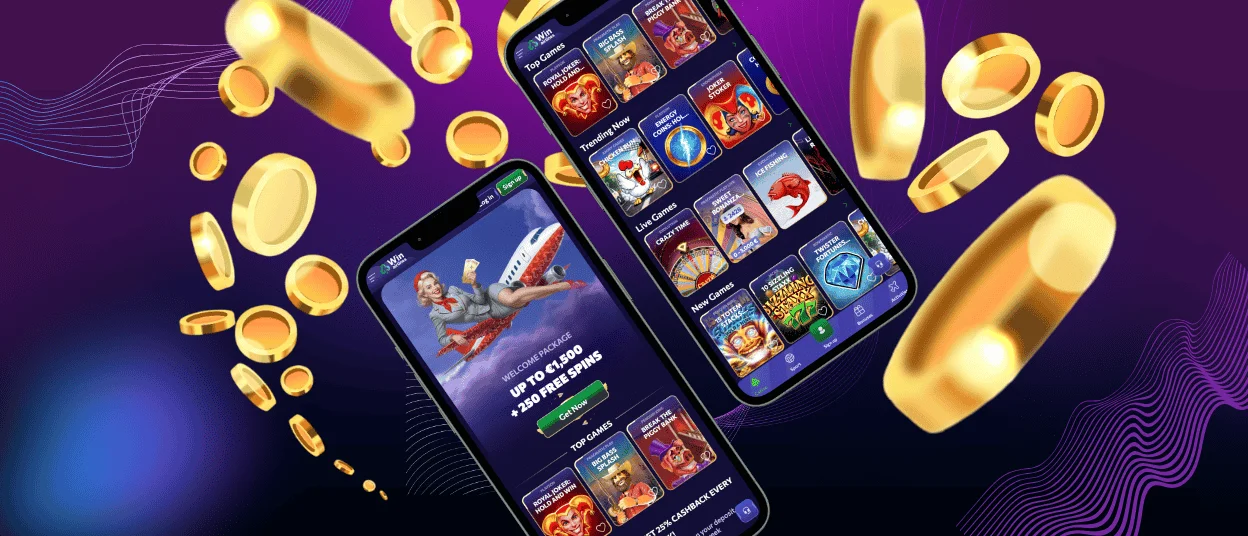
With the Win Airlines app, you can play online slots and other games from your phone or tablet. The app works with a stable internet connection and lets you use the platform without leaving the main Win Airlines interface. The shortcut opens your profile directly — wallet and active offers on one screen, alongside your transaction history.
Push notifications are available after installation and can be enabled or disabled at any time in your device settings. Live chat works from the mobile interface 24/7.
How mobile and desktop differ:
| Feature | Mobile (Android/iOS) | Desktop (Windows/macOS) |
| Install method | Add to Home Screen | PWA via address bar or browser menu |
| Default orientation | Portrait | Landscape |
| Navigation | Bottom/hamburger menu | Full header with casino/sports tabs |
| Screen layout | Single-column, optimized for touch | Wider grid, more catalog visible |
| Push notifications | Supported | Depends on browser |
| Session window | Fullscreen shortcut | Separate browser window |
Mobile Application for Android
To install the Win Airlines app on Android, use Chrome and follow these steps:
- Open the official site in Chrome.
- Tap the three-dot menu in the top-right corner.
- Select “Install app” and tap “Install” to confirm.
The shortcut opens the lobby without browser navigation bars. You complete verification through the site.
Your session persists between launches, so you do not need to sign in again each time you open it. The same profile works on Android alongside any other device you use.
After installation, the shortcut appears on your home screen and in the app drawer. You can move it to any home screen panel or folder like any other app icon.
Winairlines APK
Winairlines does not publish an APK file. The browser-based shortcut gives you access to games and payments, as well as profile tools. It uses little device storage and requests no system permissions beyond the browser itself.
If a file appears online claiming to be a Win Airlines APK, do not install it. Third-party APK files are not affiliated with Winairlines and are unsafe to install.
Mobile Application for iOS
To install the Winairlines app on iPhone or iPad, open the official site in Safari. Tap the Share button (the square with an arrow at the bottom of the screen), choose “Add to Home Screen,” and confirm.
Winairlines handles document upload for verification through Safari. Registration and payments work on iPhone and iPad without switching to a desktop browser.
Removing the shortcut from your home screen does not affect your profile or progress. To reinstall it, open Safari, go to the official site, and follow the “Add to Home Screen” steps again.
Winairlines Casino Application for Windows and macOS
On a desktop or laptop, Win Airlines Casino opens in the browser or as a PWA shortcut. The installed shortcut keeps the site one click away, so you do not need to search for the correct address each time. It opens from your desktop, taskbar, or app launcher in a separate window.
Chrome and Edge on Windows let you install the site as a desktop PWA. Click the icon in the address bar to create a shortcut. It opens separately from your other browser sessions.
An active internet connection is required to play. Without it, games are not available, but you can still check your balance and profile settings from the cached interface.
Device Compatibility
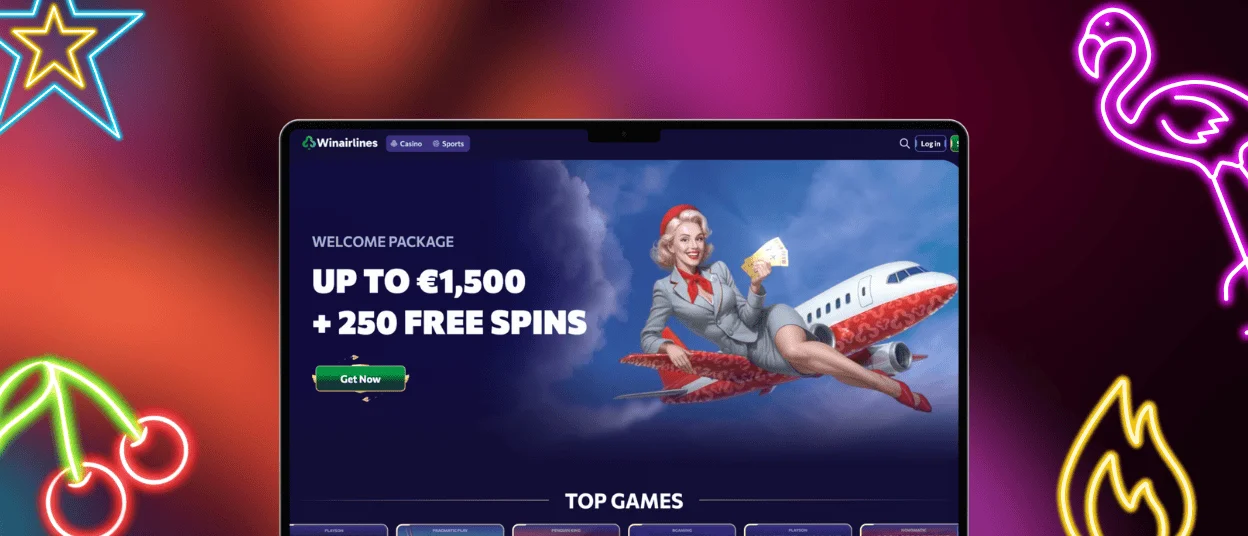
The Winairlines app adapts to phone, tablet, laptop, and desktop screens, so the interface remains usable across different display sizes. You can open the official site from any modern browser, while Chrome on Android and Safari on iOS give the smoothest home-screen install flow. Using the official PWA also keeps access tied to the website and avoids unsafe third-party files.
Touch controls, menu spacing, and lobby layout adjust to the device type, so players can navigate clearly whether they open the site on a small phone screen or a full desktop display.
FAQ
Can I use the Winairlines app in landscape mode?
Yes. You can rotate your device to landscape mode and use the lobby, games, and profile tools on a wider screen.
Does the Win Airlines app work on tablets?
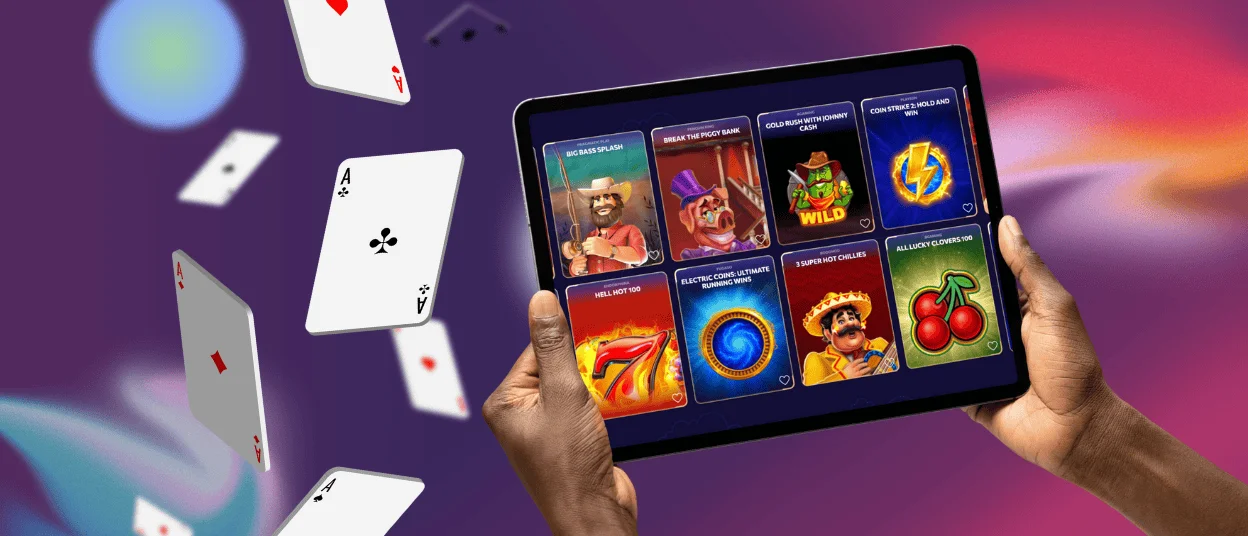
Yes. The install steps match the smartphone flow — use Chrome on Android tablets and Safari on iPad. The wider screen gives a layout closer to the desktop version, with more of the catalog visible at once.
Do I need to do anything when new games are added to the catalog?
No. New titles appear in the catalog automatically. Because the app runs through the browser, you do not need to download updates or take any action.
How can I update the Winairlines Casino app?
Winairlines handles updates automatically. If the app shows an error, remove and add the shortcut again. Our customer support team works via live chat if the issue persists. Removing the shortcut does not delete your profile.


